When a company retires a service, its former domain does not disappear automatically. If the registration is not renewed and the domain completes the applicable expiration process, another party may eventually register it. The new registrant may use it for a legitimate project, a domain-parking page, advertising, affiliate marketing, gambling content, phishing, or malware delivery. An unfamiliar website is not automatically malicious, but an old domain can create additional risk when former customers continue using saved bookmarks, old emails, documentation, or links from third-party websites. This guide explains how to examine a former domain without immediately trusting or interacting with its current website.
A 5-Step Quick Inspection Guide to Check if an Expired Domain Has Turned Into a Gambling, Spam, or Malware Site
Avoid signing in, downloading files, allowing browser notifications, or entering payment information on a suspicious domain. Begin with external inspection tools that do not require interacting with the current page.
1. Inspect Historical Interface Snapshots via the Wayback Machine (Internet Archive)
The Wayback Machine stores captures of publicly accessible webpages collected at different times.
How to perform: Enter the former domain into the Wayback Machine and compare captures from before the service closed with captures from later dates. Check the homepage, login path, support pages, and several important historical URLs rather than relying on one snapshot.
Red flags: A sudden change from the former company’s website to casino pages, unrelated advertising, fake login forms, software-download buttons, or another company’s branding indicates that the domain or website has been repurposed.
An archived page cannot confirm the domain’s current condition or legal ownership. The Wayback Machine does not capture every page, date, image, script, or login-protected resource, and an incomplete capture may combine files from nearby dates.
2. Check Security Reputation via Google Safe Browsing
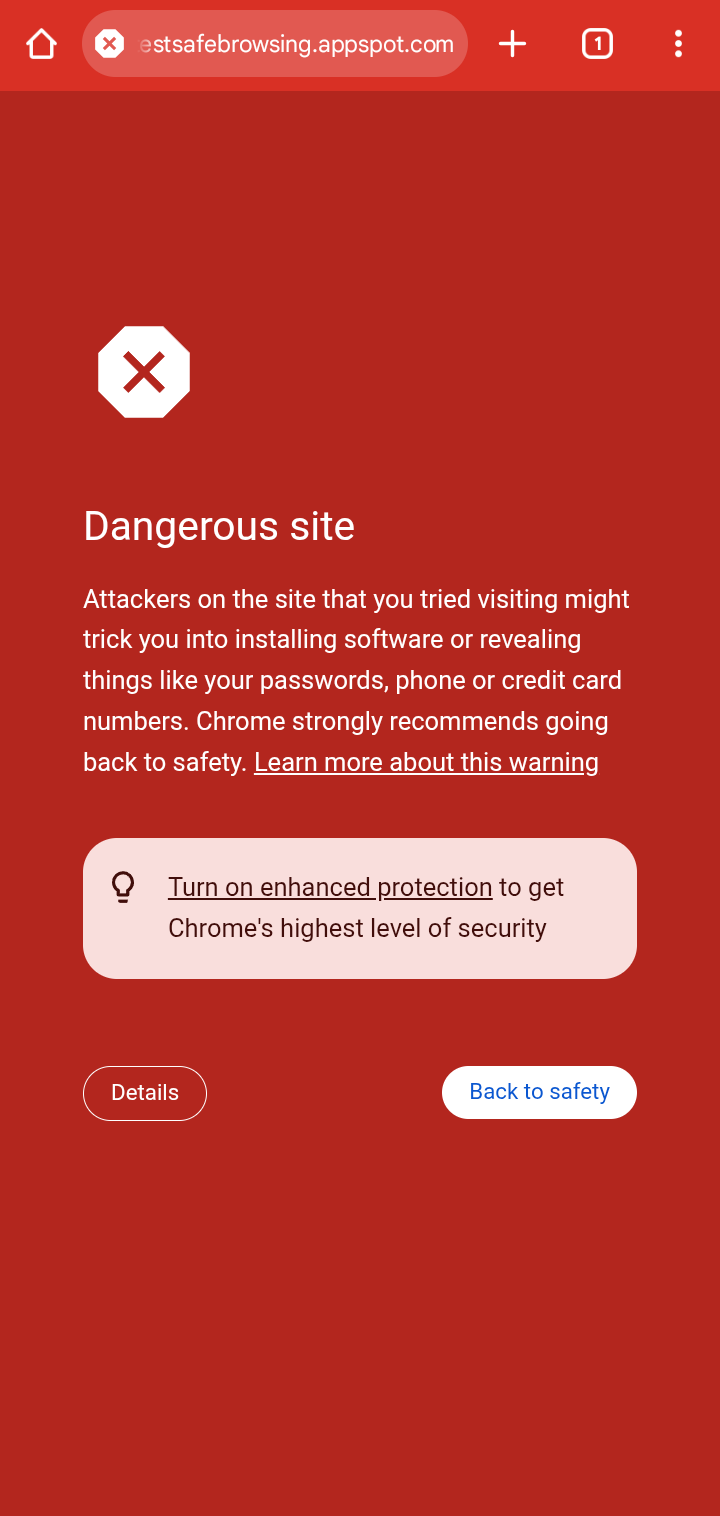
Google Safe Browsing identifies websites associated with threats such as phishing, malware, unwanted software, social engineering, and certain harmful advertisements.
How to perform: Use the Safe Browsing Site Status tool and enter the domain or a specific suspicious URL.
Red flags: A warning about phishing, malicious software, deceptive pages, or unwanted software means Google has detected or received evidence of unsafe behavior associated with the checked location. Do not proceed to the website to confirm the result manually.
A clean result is not proof that the domain is safe. A harmful page may be new, hidden behind a redirect, displayed only to certain visitors, or not yet detected. Check more than one source and preserve the date of each result.
3. Audit Google Search Indexing Directly (Using site.com)
The site: search operator can reveal some pages that Google associates with a domain.
How to perform: Search for:
site:your-old-domain.com
Repeat the search with relevant terms such as the old brand name, casino, betting, login, download, or support. Also search for the domain in quotation marks to find references hosted on other websites.
Red flags: New search results containing gambling titles, fake customer-support pages, unrelated languages, adult advertisements, or suspicious downloads may indicate that the domain has been repurposed or compromised.
Google states that a site: query does not necessarily return every indexed URL. Results may also reflect older indexed content that has since been removed. Treat them as leads to investigate, not as a complete inventory or a live malware scan.
4. Perform a Backlink Audit Using Ahrefs or Semrush
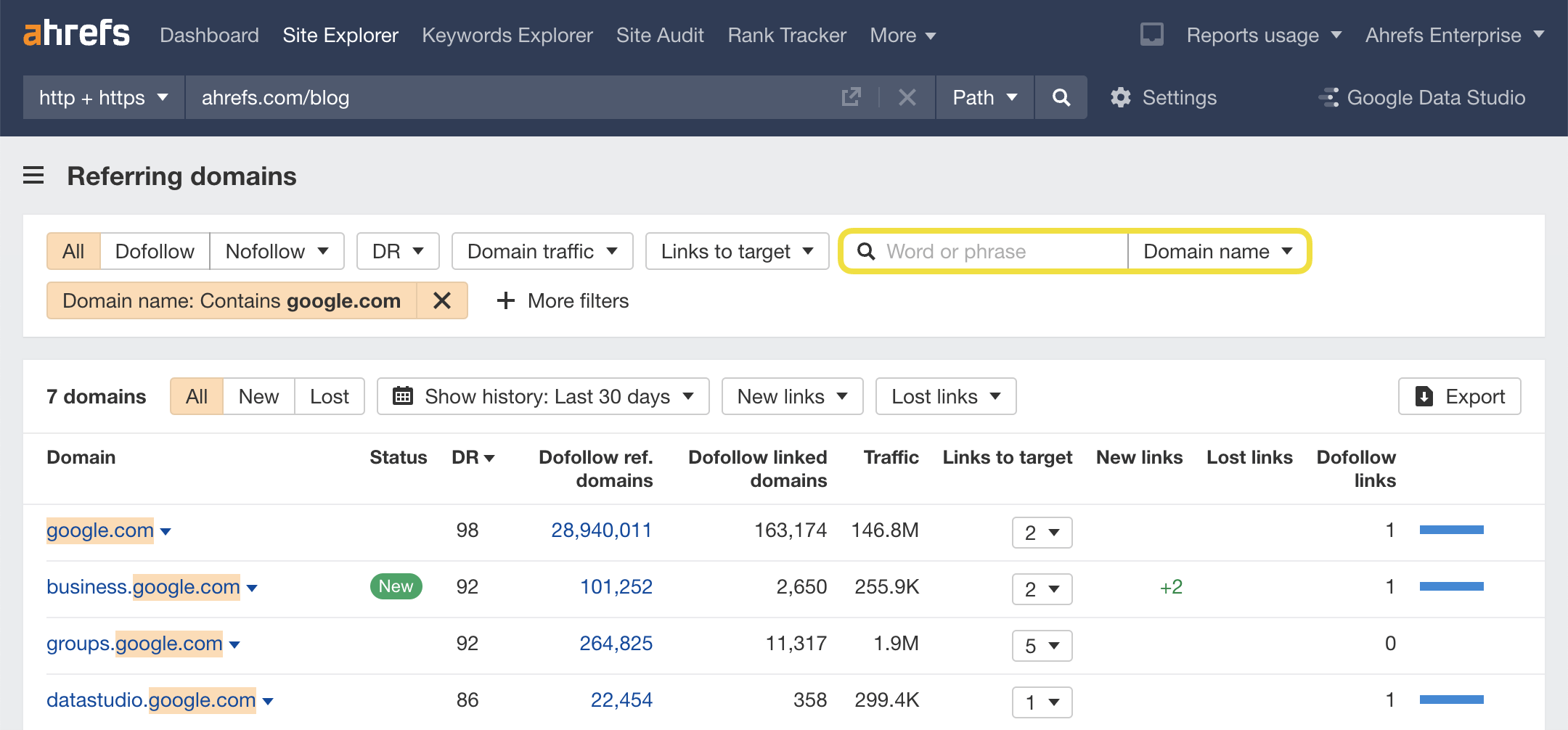
A backlink tool can show whether the domain’s link profile and anchor text have changed after the former service closed.
How to perform: Compare new and lost links, referring domains, anchor text, linked pages, and the dates when the tool first observed each link.
Red flags: A rapid increase in links using casino, betting, pharmaceutical, adult, counterfeit-product, or software-download terms may support other evidence that the domain has entered a spam network.
Backlink tools do not provide a legal or security verdict. Labels such as “toxic” are vendor-generated estimates, and legitimate domains can receive spam links without requesting them. A backlink spike alone does not prove that the current site is malicious or that the domain owner created those links.
5. Review Domain Ownership History (WHOIS / RDAP Lookup)
RDAP provides structured access to current domain-registration information. ICANN operates a public lookup tool for supported domain names.
How to perform: Review the creation date, expiration date when available, registrar, domain status codes, name servers, and registrar abuse contact.
A new creation date after the former company allowed the registration to lapse may indicate that the domain was deleted and registered again. However, dates must be interpreted carefully because transfers, renewals, registry practices, and data presentation vary.
Registrant privacy is not a red flag by itself. Many legitimate owners use privacy or proxy services. Likewise, a change in name servers shows that the domain’s DNS infrastructure changed, but it does not identify whether the new content is lawful or malicious.
Why Do Expired Service Domains Become Prime Targets for Cybercriminals?
Expired domains are useful to some attackers because they may retain references that were created while the former service was legitimate.
Inherited Links and Search Visibility: Old links from news articles, documentation, mobile apps, forums, and partner websites may continue sending visitors to the domain. Historical backlinks do not guarantee that the new website will retain its previous rankings, but they can provide traffic that a newly invented name would not receive.
Exploiting Residual User Trust: Former users may open old bookmarks or follow links in archived emails without realizing ownership has changed. An attacker can imitate the discontinued service and request passwords, payment information, verification codes, or software downloads.
A new registrant may also configure email service for the expired domain. This does not give access to historical mailboxes, but future messages sent to old company addresses could reach infrastructure controlled by the new registrant.
Taking Advantage of Forgotten Dependencies: Old domains may remain referenced in password-reset systems, OAuth configurations, mobile applications, software packages, DNS records, or internal documentation. Security research has shown that abandoned domain references can create opportunities to impersonate former resource owners or take control of dependent services.
Domain age does not provide a guaranteed way to bypass search-engine or security checks. Detection systems can identify abuse on both newly registered and older domains, but they may not catch every new threat immediately.
What Should a Business Do When an Old Domain Is Hijacked into a Gambling or Scam Site?
If the domain is no longer owned by the business, first preserve evidence. Record the current URL, redirect destination, screenshots, timestamps, Safe Browsing result, archived pages, and RDAP information.
Issue a Public Security Advisory: Place a clear notice on the current official website and relevant support channels. State that the former domain is no longer controlled by the company and identify the correct login and support addresses. Avoid sending repeated warnings unless former users face a meaningful ongoing risk.
File an Abuse Report with the Registrar: Use RDAP to identify the registrar and its abuse contact. Report specific evidence of phishing, malware, botnet activity, pharming, or related DNS abuse. Gambling, advertising, domain parking, or an unwanted brand reference may not violate registrar abuse policies by themselves. ICANN advises reporting suspected DNS abuse to the registrar or registry operator before escalating a contractual-compliance complaint.
The hosting provider, CDN, payment processor, browser vendor, or national cybercrime reporting service may also have a relevant reporting channel.
Report the Incident to Google: Use Google’s public phishing or malicious-site reporting process when appropriate. Search Console’s Security Issues report is designed for verified owners of a website and cannot be used as a general tool to manage someone else’s domain.
If the site misuses a protected trademark, logo, or company identity, obtain legal advice about trademark enforcement or an applicable domain dispute procedure. Ownership of the former domain is not automatically recoverable simply because the business used it in the past.
Disavow Toxic Links: Do not use the Disavow Tool solely because an SEO platform labels links as toxic. Google describes it as an advanced feature that should be used cautiously, generally when there is a considerable history of artificial links and a manual action or likely manual action involving the current website.
Preventive Measures to Protect Domains and Brand Assets from Theft
Preventing accidental expiration is usually easier than recovering a domain after another party registers it.
Enable Auto-Renewal
Enable automatic renewal and maintain a valid payment method. Keep registrant and administrative contact information current, and send renewal alerts to more than one responsible employee.
ICANN requires registrars to issue renewal reminders, but the registrant remains responsible for acting before expiration.
Maintain Domain Control Post-Decommissioning
Retain important former domains when old users, documents, applications, or links may continue referring to them. Renewal prices vary by top-level domain and registrar, so there is no universal annual cost. While the business controls the domain, direct it to an official retired-service notice or an appropriate page on the current website. A permanent redirect may be suitable when there is one clear replacement page, but a generic homepage redirect can confuse users who are looking for discontinued account or support information.
Register Domains for Long-Term Tenure
Multi-year renewal can reduce the frequency of manual renewal decisions. For many generic top-level domains, the remaining registration term cannot exceed ten years, although individual registrar and registry rules vary. A long registration period does not protect the domain if the registrar account or administrative email is compromised.
Implement Registrar Lock and Multi-Factor Authentication (2FA)
Enable the registrar’s transfer lock, commonly represented by the clientTransferProhibited status, unless a legitimate transfer is underway. ICANN explains that restrictive EPP status codes can help prevent unauthorized transfers, updates, or deletion. Require multifactor authentication for registrar accounts, limit administrative access, use separate named accounts where supported, and review account activity regularly. High-value domains may also benefit from registry-lock or out-of-band approval services when offered by the registrar.
Successful content distribution is no longer about publishing the same post everywhere but about adapting each piece of content to the expectations of different platforms and audiences. Understanding how recommendation algorithms, user behavior, and engagement metrics vary across TikTok, YouTube, Instagram, LinkedIn, Substack, and other platforms enables creators to maximize reach without sacrificing content quality. At the same time, thoughtful content repurposing helps prevent audience fatigue, reduces duplicate-content issues, and significantly lowers production time while maintaining a consistent brand identity. Rather than treating every platform as identical, creators should view each one as a unique communication channel with its own strengths and user expectations. By combining strategic adaptation with efficient workflows, it is possible to expand audience reach, improve long-term engagement, and build a sustainable multi-platform content strategy.